Pixels and Colours
How a computer stores data: draw pixel pictures and read the row codes, mix RGB colours and turn letters into ASCII and UTF-8 bytes.
Free, runs in the browser, no sign-in or installation.
- Subject
- Computer Science
- Area
- Data Representation
- Level
- Primary and secondary school
What you can do
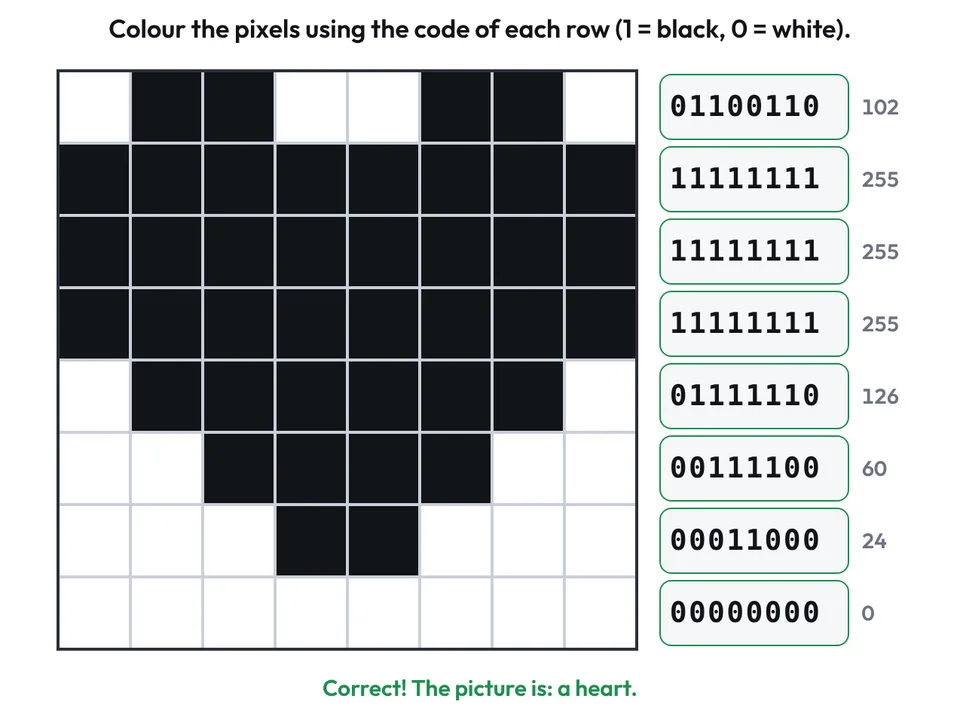
- Draw on a grid with 5, 8, 10 or 16 pixels per row, or type the row codes; each row is shown in bits and in decimal.
- Tasks with checking: colour the pixels from the given row codes, write the codes for a given picture, or match a target colour.
- Mix red, green and blue light with sliders from 0 to 255, see each channel in binary, and change the number of bits per channel.
- Type a word to see the code and bytes of each character, with letters such as č and š taking two bytes in UTF-8, or turn bytes into text.
- Download the pixel picture, the colour or the letter codes as a PNG with a white or transparent background.
Worksheets and lessons
Lessons with worksheets that use this app.