Binary Cards
Cards with 1, 2, 4, 8, 16 … dots: turn them over to show a number in binary, solve tasks with checking and count step by step.
Free, runs in the browser, no sign-in or installation.
- Subject
- Computer Science
- Area
- Data Representation
- Level
- Primary and secondary school
What you can do
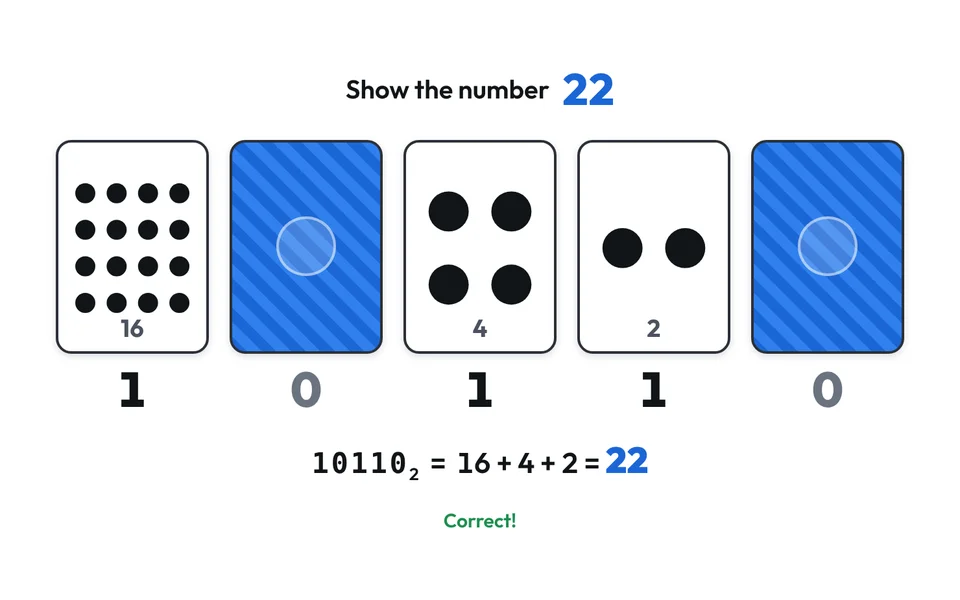
- Tap a card to turn it over: face up means 1 and face down means 0, and the app shows the binary number and the total number of dots.
- Tasks with checking: in Show the number, turn the cards to make the given number; in Which number is it?, type the number the cards show.
- In Counting, add one dot at a time or press Start, and watch how often each card turns over, right up to overflow.
- Use 3 to 8 cards and choose what to show: the number of dots, the bits, the sum in decimal or the powers of 2 under the cards.
- Download the cards as a PNG with a white or transparent background for a worksheet or presentation.
Worksheets and lessons
Lessons with worksheets that use this app.
More apps: Data Representation
Binary NumbersBinary and decimal: a table, converting and practice.
Pixels and ColoursPixel pictures, RGB colours and letters in ASCII and UTF-8.
Binary AdditionAdding binary numbers in columns, step by step.
Two's ComplementNegative numbers in a computer: the number circle, converting and overflow.