Pattern Blocks
Virtual pattern blocks that snap together edge to edge: build shapes, patterns and tessellations, and show fractions and angles.
Free, runs in the browser, no sign-in or installation.
- Subject
- Mathematics
- Area
- Geometry
- Level
- Primary school
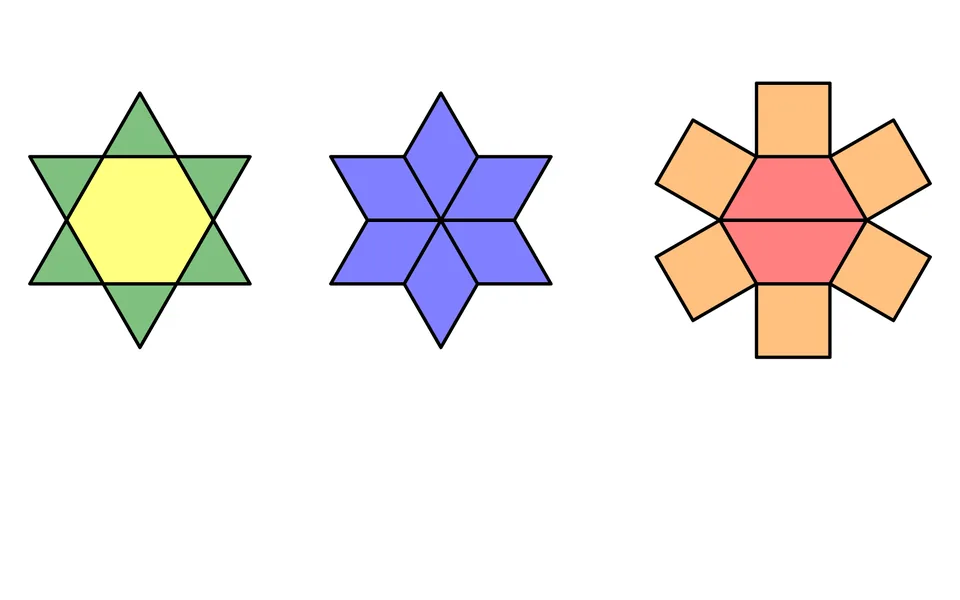
What you can do
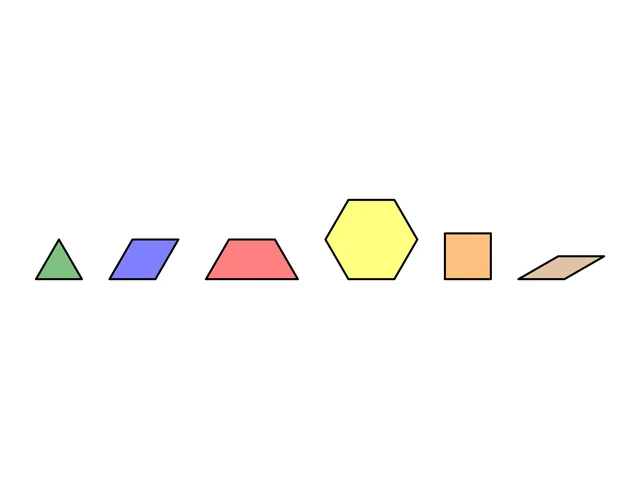
- Six blocks: green triangle, blue rhombus, red trapezoid, yellow hexagon, orange square and tan rhombus; drag them from the tray or tap them.
- Blocks snap together edge to edge and turn in steps of 30° with the round handle or the R key.
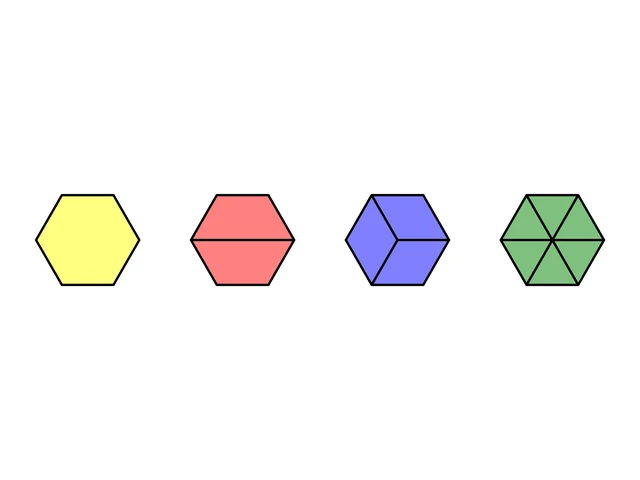
- Cover the yellow hexagon with two trapezoids, three blue rhombuses or six triangles to show halves, thirds and sixths.
- Select several blocks to move, turn, copy or delete them together, and write or draw on the workspace with the pen.
- Show vertices as red dots or a dot grid, and download your pattern as a PNG, with a transparent background if you like.
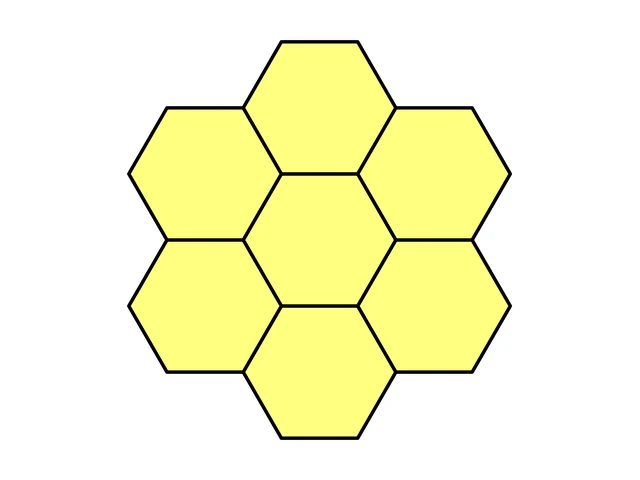
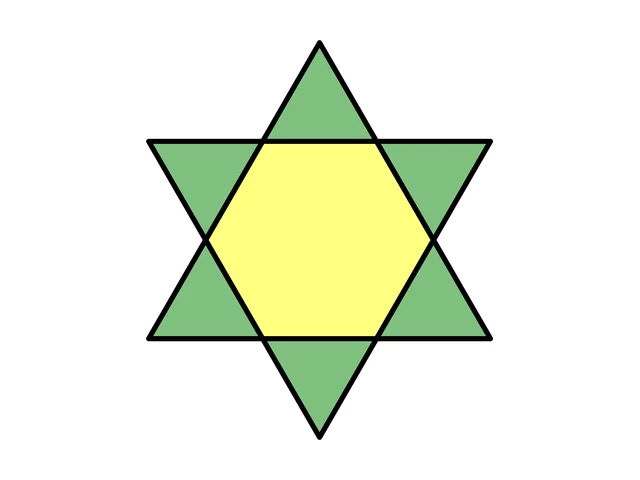
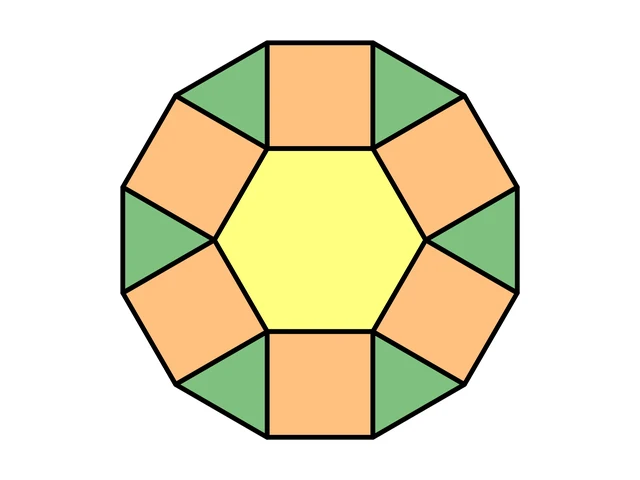
Pictures in the Gallery5
Ready-made pictures made in this app, to download as PNG.
Worksheets and lessons
Lessons with worksheets that use this app.
More apps: Geometry
AnglesMeasure and draw angles with a protractor, angle types, angle pairs and degrees and minutes.
TrianglesTypes of triangles, angle sum, constructions, triangle centres, perimeter and area.
GeoboardRubber-band shapes on a geoboard, area and perimeter, lines and slope on a coordinate board.
Tangram PuzzleSeven-piece puzzles to solve or print.
IntersectorCross-sections of a cube and other solids, in 3D.
Nets of SolidsSolids unfold into nets: all 11 nets of a cube, prisms, pyramids, cylinder and cone, surface area and nets to print.