Fraction Rectangles
Fractions on a rectangle model: split wholes into columns and rows, colour the parts and read the fraction or mixed number, or show fraction multiplication with an area model.
Free, runs in the browser, no sign-in or installation.
- Subject
- Mathematics
- Area
- Numbers
- Level
- Primary school
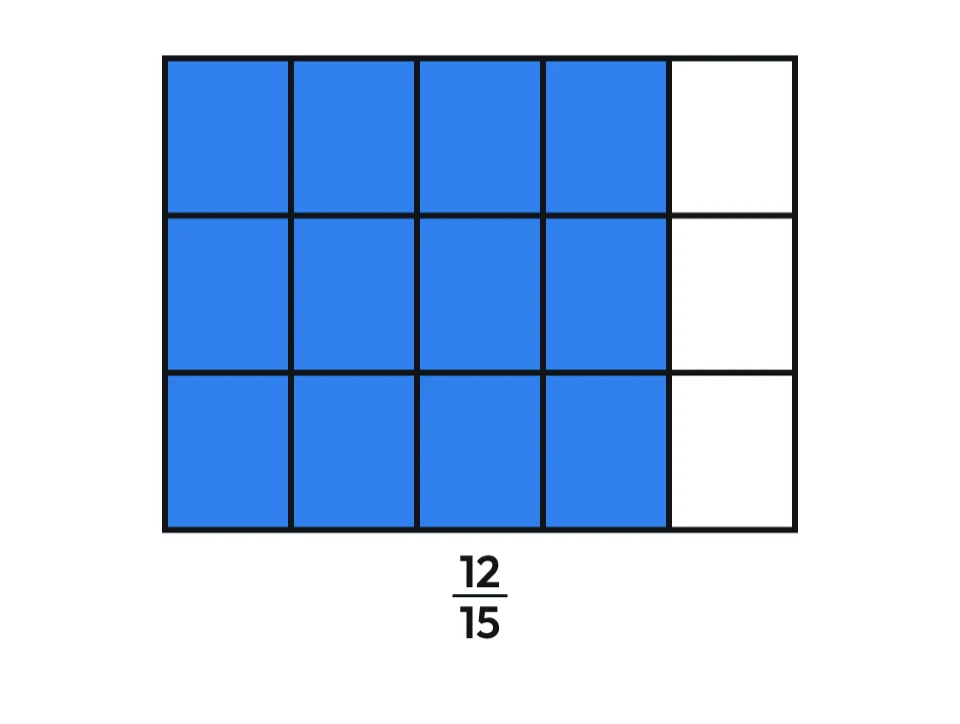
What you can do
- Choose from 1 to 12 wholes and split them into up to 12 columns and 12 rows.
- Click a part to colour it or drag across several parts, and the fraction appears under the rectangles straight away.
- A fraction greater than 1 is also shown as a mixed number, and you can show a separate fraction under each whole instead.
- In Multiply mode choose two fractions: the columns of one whole show the first factor, the rows the second, and the overlap is their product, e.g. 2/3 × 3/4 = 6/12.
- The “Decimal notation” switch shows decimals: 47 coloured squares of a hundred grid are 0.47, and in Multiply mode 0.3 × 0.4 = 0.12. For working with decimals and percentages, use the Decimal Grid app.
- Hide the fraction with the switch or the R key when pupils should work it out themselves.
- Download the picture as a PNG with a white or transparent background for a worksheet or presentation.
Pictures in the Gallery10
Ready-made pictures made in this app, to download as PNG.
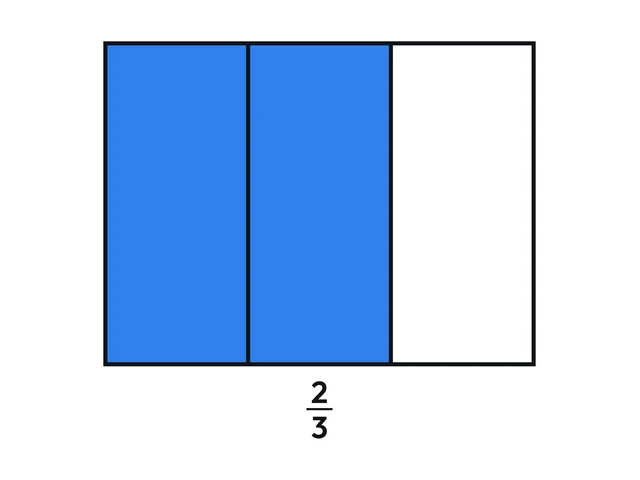 Fraction rectangle: two thirds
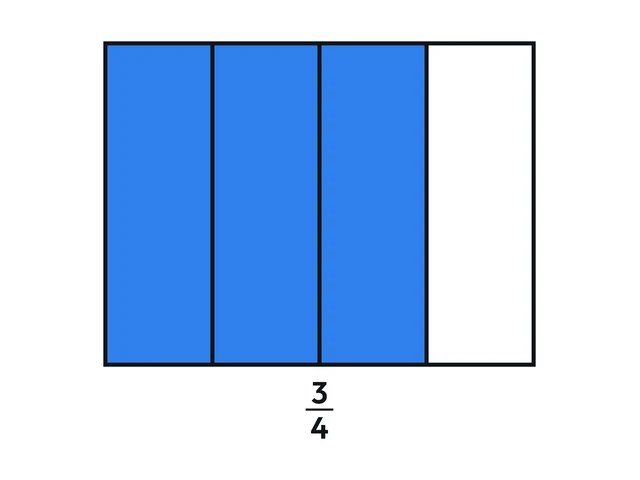 Fraction rectangle: three quarters
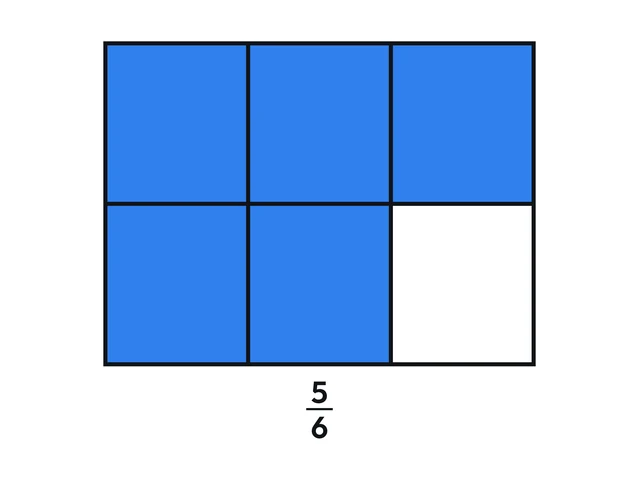 Fraction rectangle: five sixths
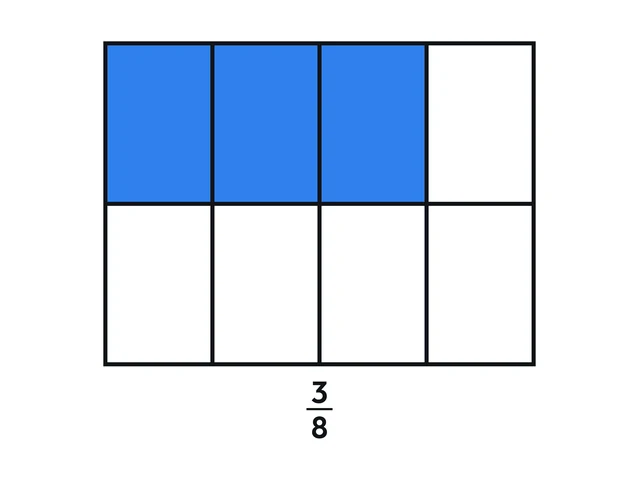 Fraction rectangle: three eighths
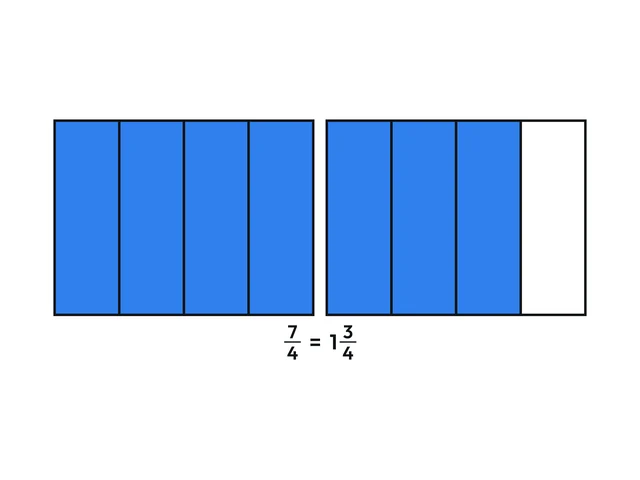 Fraction rectangle: one and three quarters
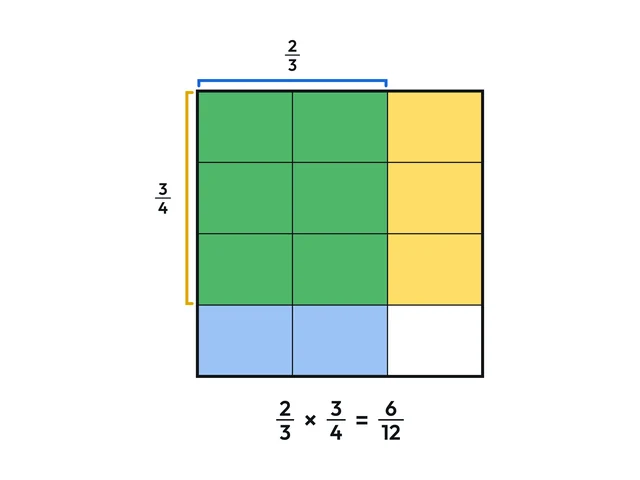 Fraction multiplication: two thirds times three quarters
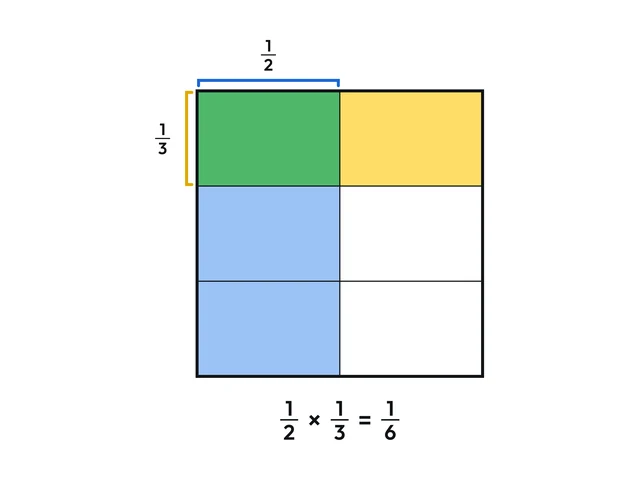 Fraction multiplication: one half times one third
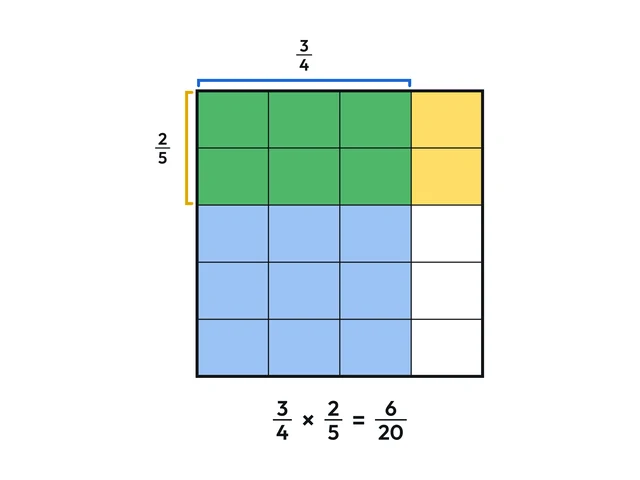 Fraction multiplication: three quarters times two fifths
Worksheets and lessons
Lessons with worksheets that use this app.
More apps: Numbers
Number LineFractions, decimals, negative numbers, intervals and inequalities on a number line.
Decimal ZoomDecimals on a zooming number line: placing, comparing and rounding.
Decimal GridDecimals on a hundred grid: fractions, percentages, comparing and calculating.
Hundred ChartMultiples, primes and the sieve of Eratosthenes on a chart of numbers to 100.
Factors and Prime FactorsFactor pairs from rectangles, factor trees and prime factorisation.
Place Value BlocksBase ten blocks for place value, regrouping, decimals and comparing numbers.