Counters
Two-colour counters and zero pairs: show integers and step through adding, subtracting, multiplying and dividing them.
Free, runs in the browser, no sign-in or installation.
- Subject
- Mathematics
- Area
- Numbers
- Level
- Primary school
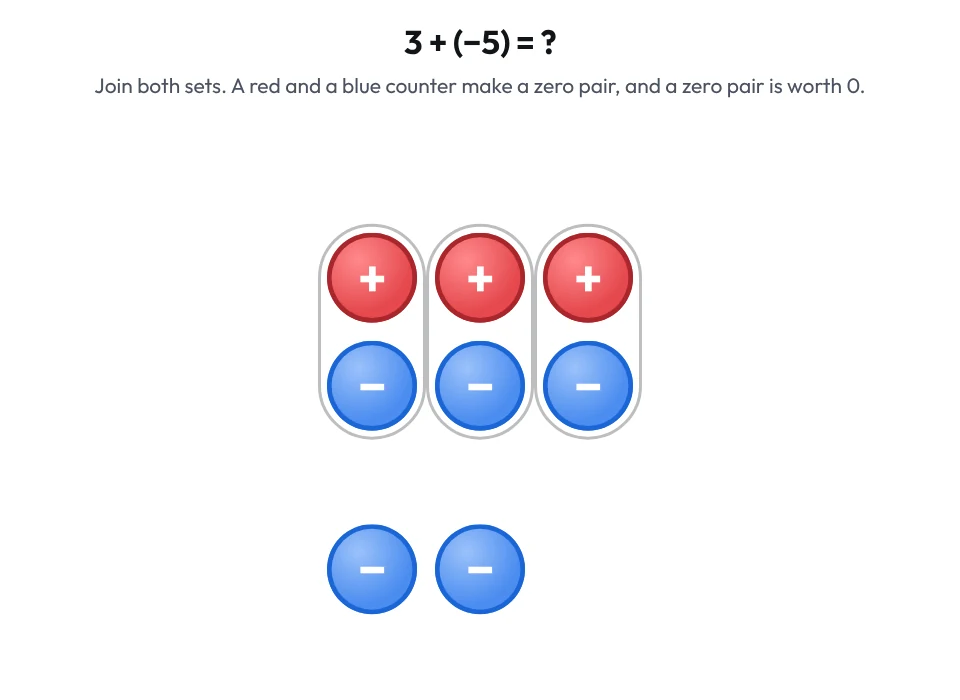
What you can do
- In Free mode, add positive (+1) and negative (−1) counters or zero pairs, then flip, move or delete them by tapping and dragging.
- Arrange the counters in pairs and remove zero pairs; the app shows the number of positive and negative counters and the value.
- In Operations mode, enter two integers, choose an operation and step through with explanations, or play all the steps in order.
- The steps follow the zero-pair model: when there is nothing to remove, zero pairs are added, and division counts sets.
- Download the view as a PNG with a white or transparent background, and hide the + and − signs on the counters if you like. Choose the counter colours in the settings: red and blue, or yellow and red.
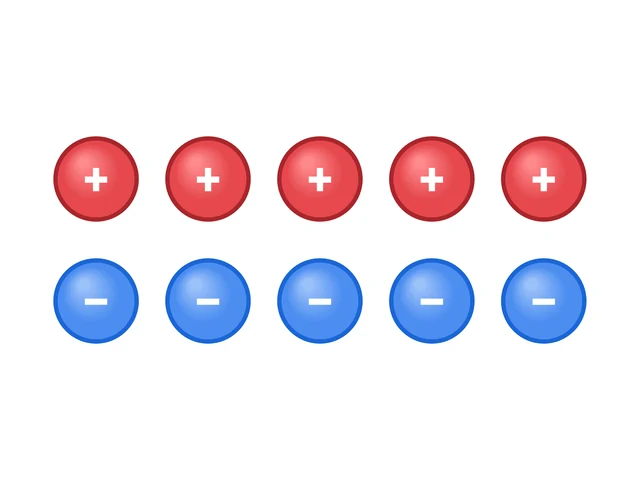
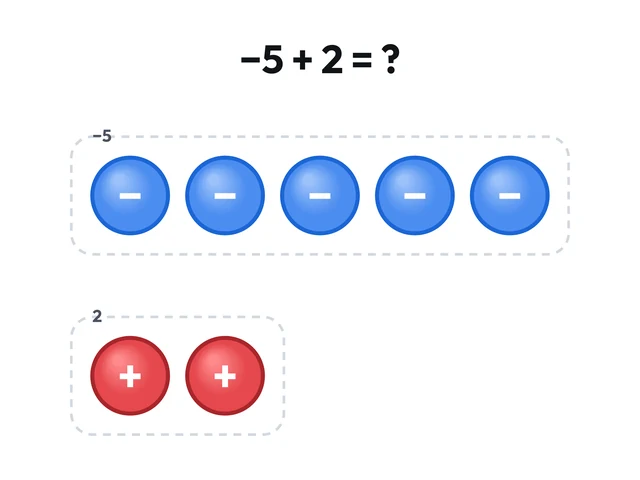
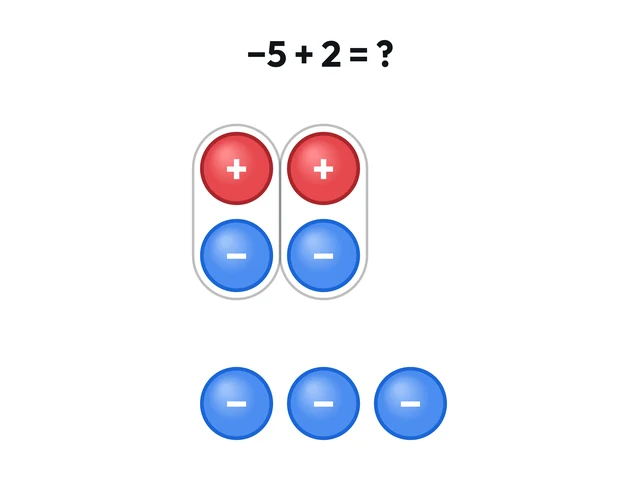
Pictures in the Gallery3
Ready-made pictures made in this app, to download as PNG.
Worksheets and lessons
Lessons with worksheets that use this app.
More apps: Numbers
Number LineFractions, decimals, negative numbers, intervals and inequalities on a number line.
Decimal ZoomDecimals on a zooming number line: placing, comparing and rounding.
Decimal GridDecimals on a hundred grid: fractions, percentages, comparing and calculating.
Hundred ChartMultiples, primes and the sieve of Eratosthenes on a chart of numbers to 100.
Factors and Prime FactorsFactor pairs from rectangles, factor trees and prime factorisation.
Place Value BlocksBase ten blocks for place value, regrouping, decimals and comparing numbers.